↕
Full Page
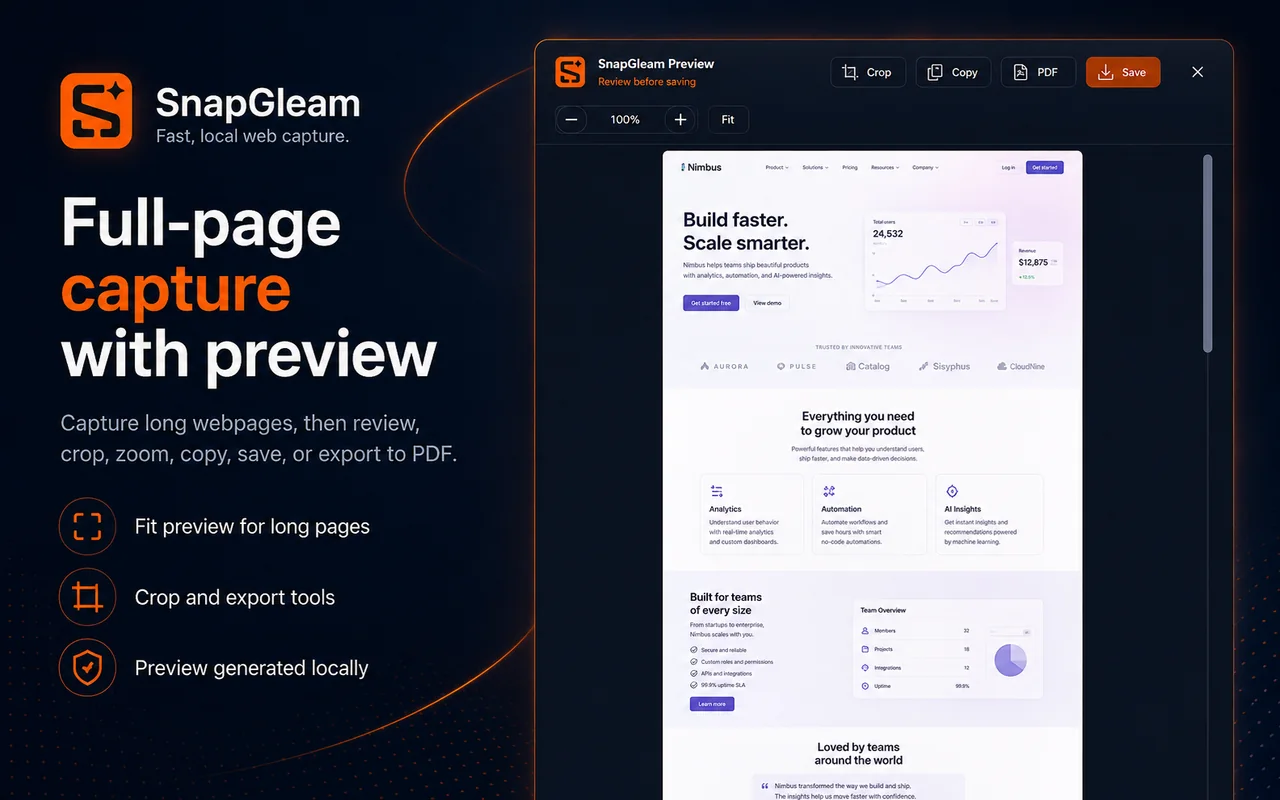
Capture a long webpage from top to bottom and inspect the result before saving it.
 Chrome extension · Free · No account
SnapGleam is a focused screenshot extension for the moments when the useful content does not fit inside one viewport. Capture a whole page, extend one selected area while scrolling, target a page element, capture the visible screen, or work with local HTML.
Local-first screenshot processing · PNG export · PDF export for supported long captures
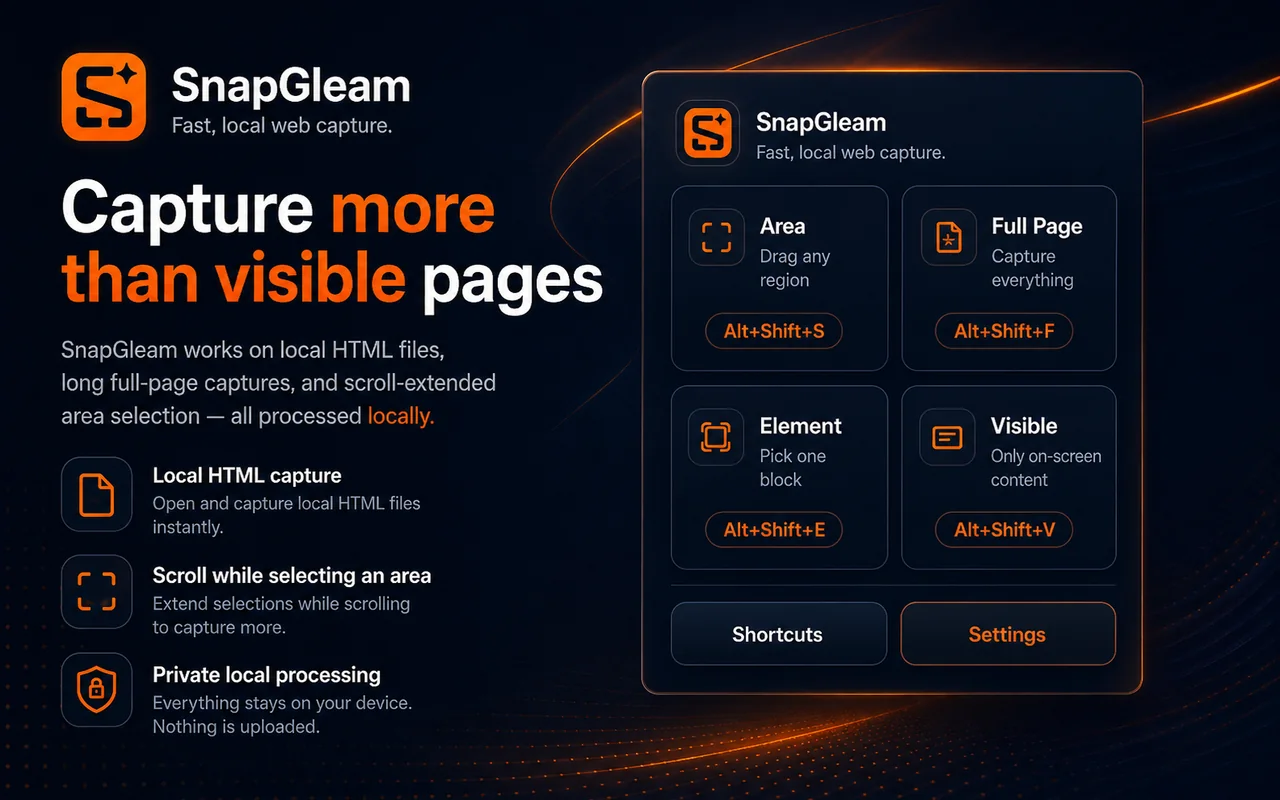
SnapGleam keeps several common screenshot jobs in one extension without turning the interface into a large editing suite.
Capture a long webpage from top to bottom and inspect the result before saving it.
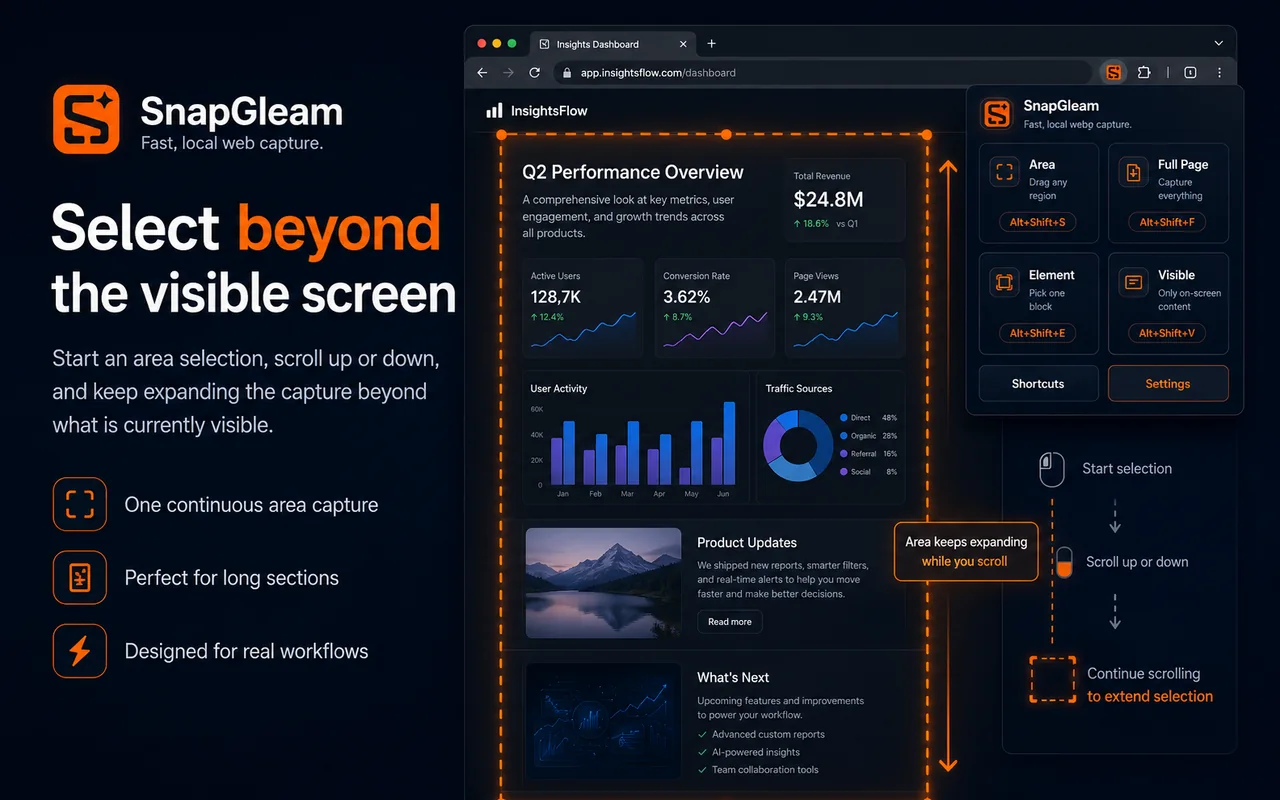
Start with one selected region, then keep the same capture going beyond the current viewport as the page scrolls.
Target a page element directly when a card, panel, article section, or component is what you actually need.
Capture exactly what is currently visible when the normal viewport is enough.
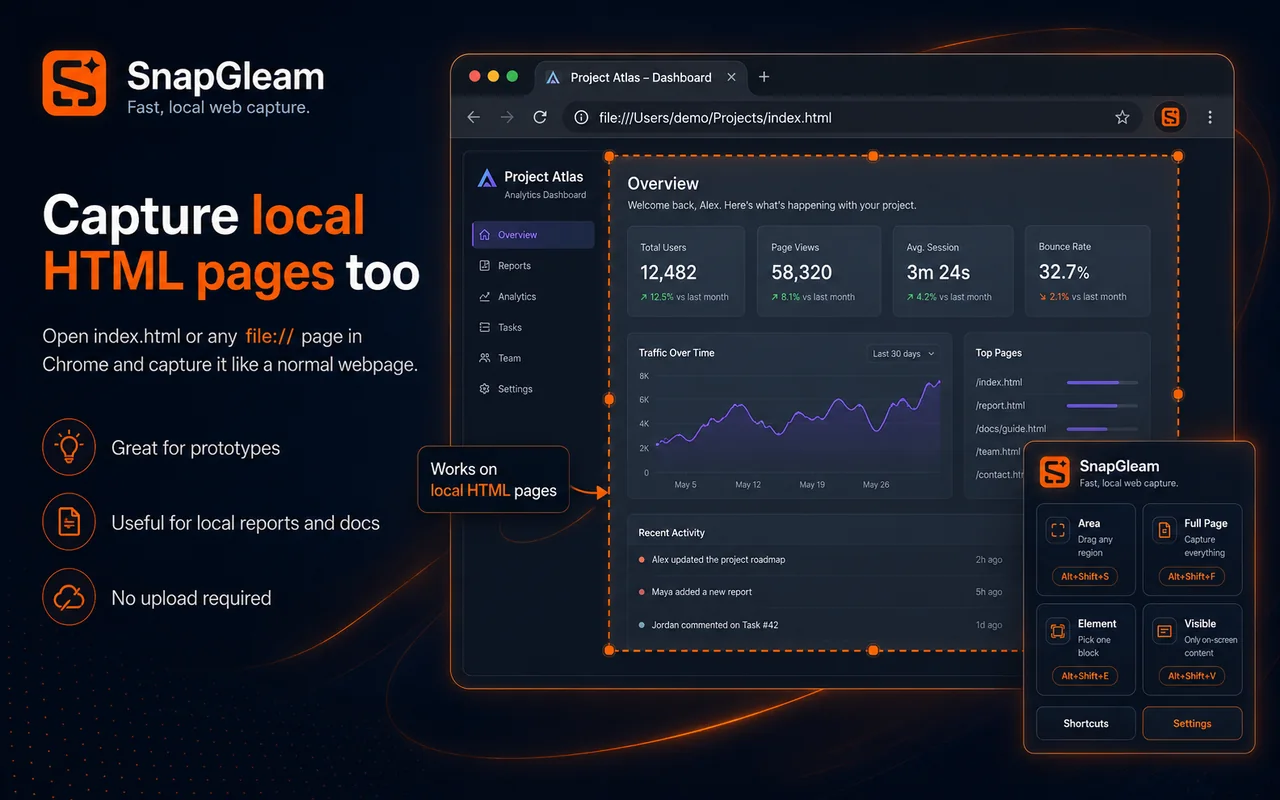
Capture local file:// pages after Chrome file URL access is explicitly enabled for the extension.
Inspect long captures, zoom, crop, copy, save PNG files, and export supported captures to PDF.
Ordinary area capture usually stops at the edge of the viewport. SnapGleam is designed for a selection that needs to continue while the page moves.
The extension keeps the path from webpage to usable screenshot short.
Pick Area, Full Page, Element, or Visible according to what the page requires.
Let SnapGleam handle the requested region, page, element, or viewport.
Review long captures, then crop, copy, save PNG, or export to PDF where supported.
Screenshot processing is designed to happen in the browser. The current free version does not require a SnapGleam account.
Read the privacy policyInstall SnapGleam from the Chrome Web Store or read the guide first if you want a detailed walkthrough of each mode.